
What you actually bought
Alipay is a payment and services app. When you buy a travel eSIM through an Alipay service or mini program, the mobile data is supplied by an eSIM provider named on the order. Open the order and look for three things: the provider's name, the installation method (QR code, activation code or in-app install) and what triggers activation (installation, first connection in China, or a fixed date).
If any of these are missing, contact the provider named on the order. A payment receipt alone is not an installation instruction.
Check your phone before installing
- Your exact phone model supports eSIM and is carrier-unlocked. Devices sold in mainland China may have regional restrictions.
- The plan explicitly covers mainland China (and Hong Kong or Macau if you need them).
- You know whether the plan is data-only or includes voice/SMS. A data-only plan will not receive bank verification SMS.
- You have saved the QR code or activation details somewhere you can open without mobile data.
Install on iPhone
- Connect to Wi-Fi.
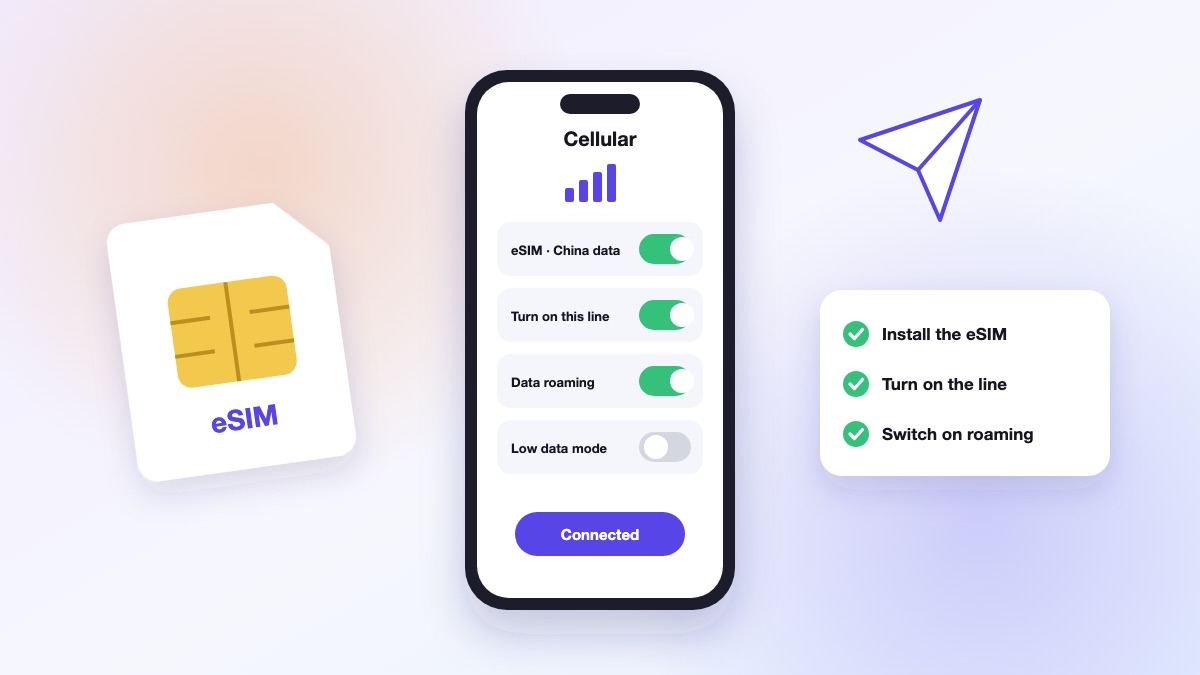
- Open Settings → Cellular (or Mobile Service) → Add eSIM.
- Scan the provider's QR code, or use its supported installation method.
- Label the line (for example “China Data”) and choose it as the line for Mobile Data.
- Turn on Data Roaming for the eSIM line if the provider tells you to.
Apple keeps its current list of installation methods here: Source: Apple: set up an eSIM on iPhone (support.apple.com).
If you keep your home SIM active for bank SMS, turn off data roaming and automatic data switching on that line to avoid roaming charges.
Install on Android
- Connect to Wi-Fi.
- Open Settings → Network & Internet → SIMs → Add eSIM (menu names vary by brand).
- Scan the QR code or use the provider's app.
- Select the eSIM for mobile data and turn on roaming if instructed.
- Restart the phone if the line does not register within a few minutes.
After you land: if the eSIM does not connect
- Connect to airport Wi-Fi, then switch the eSIM line off and on.
- Check that mobile data is set to the eSIM line and roaming is on for it.
- Confirm the plan's activation date has started.
- Restart the phone.
- Contact the provider named on the order with your order number and the eSIM's identifier.
Some international eSIMs route data through another region, which can add latency. Test maps, messaging and a small mobile payment before leaving the airport, and keep a backup such as hotel Wi-Fi or a physical SIM from an official carrier counter.
Alipay payments and mobile data are separate setups
An eSIM gives you a connection; Alipay handles payments and services. Registering with Alipay, verifying your identity and linking a card are separate steps from installing the eSIM. Keep access to the phone number your bank uses for verification.
China's official guidance says foreign visitors can link eligible international cards to Alipay and WeChat Pay; acceptance depends on the merchant and service. Source: China's official payment guide for foreign visitors (english.www.gov.cn). For the Alipay setup itself, see Alipay for tourists.
Quick answers
Does buying the eSIM in Alipay activate it?
No. You still need to install it using the provider's instructions.
Can I receive bank SMS on a data-only eSIM?
No. Keep your home SIM active for SMS, with data roaming turned off on that line.
Should I install before travelling?
Yes, on stable Wi-Fi, but check what triggers the plan's validity period first.
Published October 26, 2026. App menus, card acceptance and transport rules change; check the official sources named above before you travel. GotripCN is a peer-to-peer information directory and does not process payments.